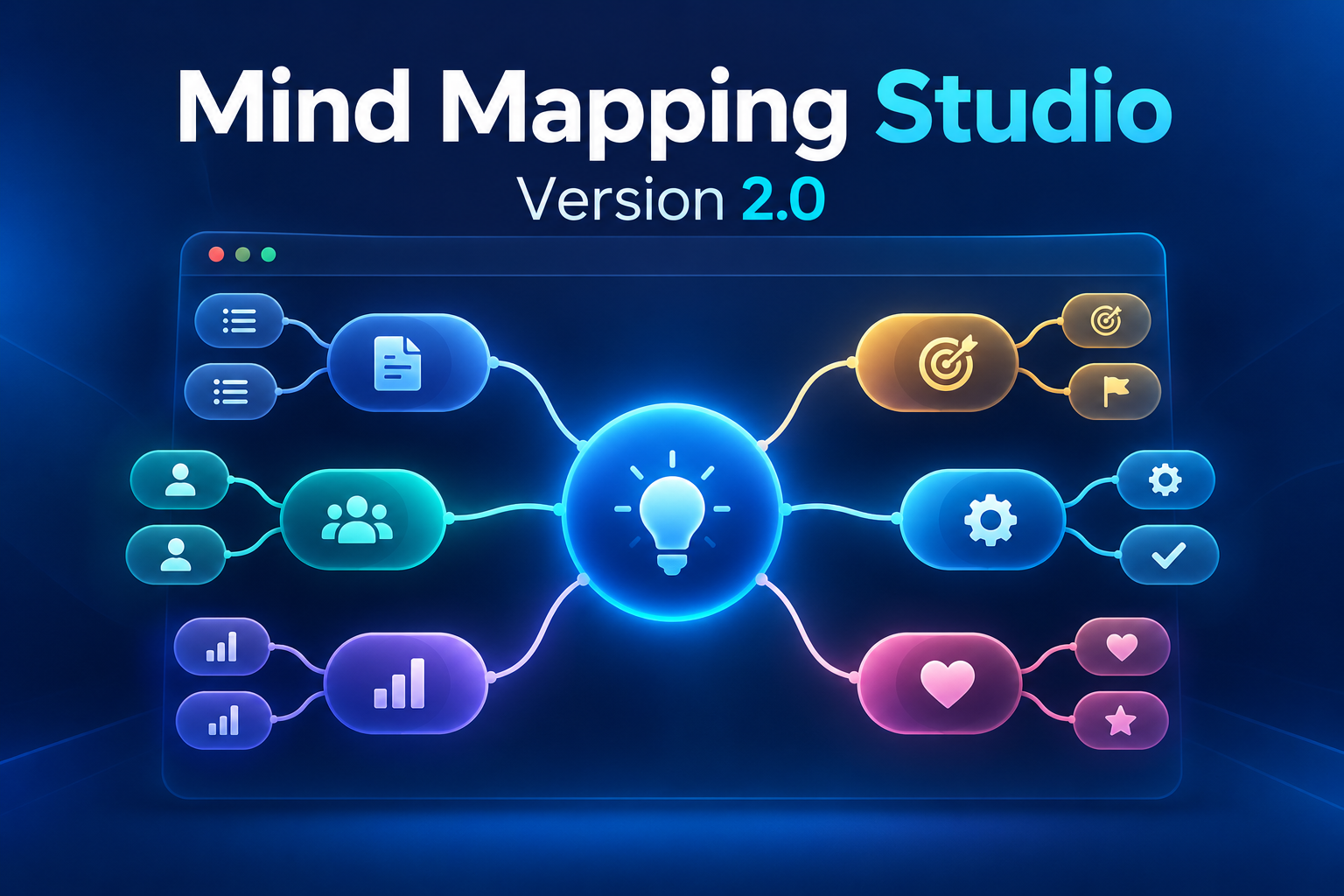
Version 2.0 · Browser-Based Web Application · By Assem Hijazi
From a Document to a Working Web Application
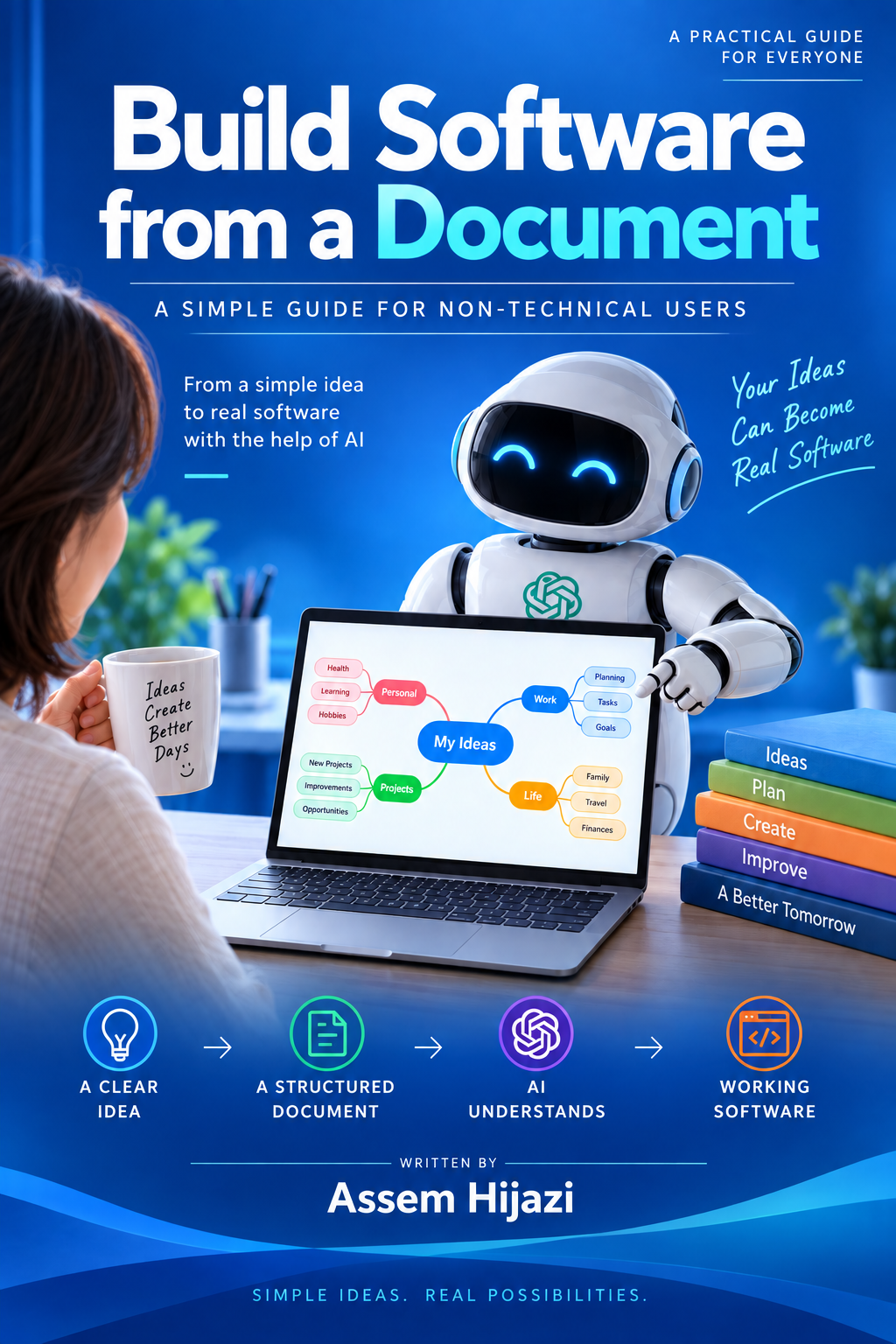
MindMap Studio is a practical software project by Assem Hijazi, developed using the approach introduced in Build Software from a Document. It turns structured human requirements into an interactive browser application and extends the book’s mind-mapping example with additional editing, organization, and export capabilities.
The project demonstrates the result of the methodology: a usable application that can evolve as its requirements are refined. AI supports the development process; the supplied app itself does not include an AI chatbot or require an AI account.
Application Capabilities
| Area |
Available features |
| Visual mind mapping |
Create a central topic, child topics, and siblings; collapse and expand branches; move topics between parents. |
| Topic details |
Edit titles and notes, assign status and priority, and customize node and branch colors. |
| Canvas navigation |
Pan, zoom, fit the map to the screen, search topics and notes, and show or hide the details panel. |
| Editing history |
Undo and redo changes, with keyboard shortcuts for common actions. |
| Map overview |
View topic totals, completed topics, and the number of main branches. |
| Saving and backup |
Automatically save the current map in the browser; export and restore editable JSON backups. |
| Sharing and presentation |
Export PNG and SVG images, or use the print dialog to print or save a PDF. |
How to Use It
Start with the central idea, add related topics, and organize them into branches. Select a topic to update its notes, status, priority, and color. Use search and canvas controls to explore the map, then download a JSON backup to preserve an editable copy.
Data and Browser Storage
The supplied application works in the browser and stores its current map locally. It does not include cloud synchronization or user accounts. Browser data can be cleared, so JSON backups are the recommended way to preserve maps or transfer them between devices. Export creates a copy; it does not upload the map to a cloud service.
Explore the Method Behind the App
The related book explains how human knowledge, structured documentation, and AI-assisted development can be combined to build and improve working software. MindMap Studio is an expanded practical result of that approach.