ChatGPT Preference Studio
A structured prompting web app that turns project details and six groups of preferences into an AI Project Specification. Complete guided forms, review the generated JSON, and bring a clearer project brief into ChatGPT.
Try the project
Explore the working application in a new tab.
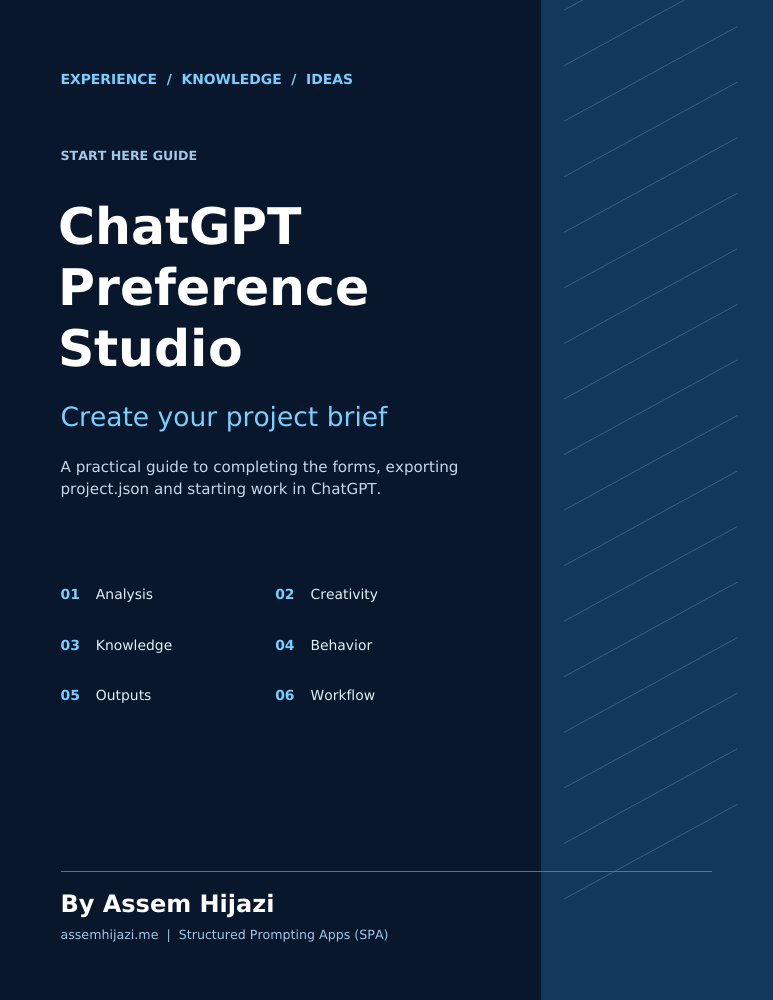
Project overview
Turn Project Preferences into a Clear AI Brief
ChatGPT Preference Studio, developed by Assem Hijazi, is a browser-based Structured Prompting App (SPA) for organizing how ChatGPT should approach a project. Instead of assembling instructions across separate messages, users describe the task and desired output, then complete six guided preference forms.
The application brings these choices together in an AI Project Specification (APS), exported as project.json. Users can review the generated structure, copy it, or download the file and attach it to ChatGPT alongside their supporting documents.
The Six Preference Areas
| Area | What the user defines |
|---|---|
| AI Analysis Preferences | Depth of analysis, perspectives, alternatives, assumptions, uncertainty, and checks. |
| Creativity and Innovation | Originality, idea exploration, connections between domains, and the boundaries for creative suggestions. |
| Knowledge and Context | Project background, reference inventory, source priorities, factual context, and knowledge boundaries. |
| AI Behavior and Instructions | Working role, audience, language, tone, terminology, and collaboration preferences. |
| Output and Deliverables | Requested formats, structure, level of detail, visuals, citations, and acceptance criteria. |
| Execution and Workflow | Work stages, review points, progress updates, validation, revisions, and completion expectations. |
From Forms to Working Guidance
Define the project → Complete the six forms → Review the specification → Export project.json → Attach it in ChatGPT → Review and begin.
Help buttons explain each option. The current browser app saves a draft locally and provides a JSON review and export step. Its result is a portable project brief that can support research, planning, writing, analysis, and software development tasks.
What the App Controls
The studio creates written instructions and preferences. It does not call an AI API or directly change ChatGPT’s temperature, internal reasoning effort, tool access, or account settings. Documents named in the specification must still be attached separately in ChatGPT.
Guides and Reference Material
Start Here Guide: the practical sequence for completing the forms, downloading project.json, submitting the starting prompt, reviewing ChatGPT’s understanding, and checking the results.
Design and Reference: the six-form parameter dictionary, proposed APS structure, design principles, and future development ideas. This document includes working concepts; proposed capabilities should be distinguished from features available in the current app.
Download the PDFs below for the full instructions and reference material.